How POS Systems Help Manage Transactions in High-Traffic Businesses?
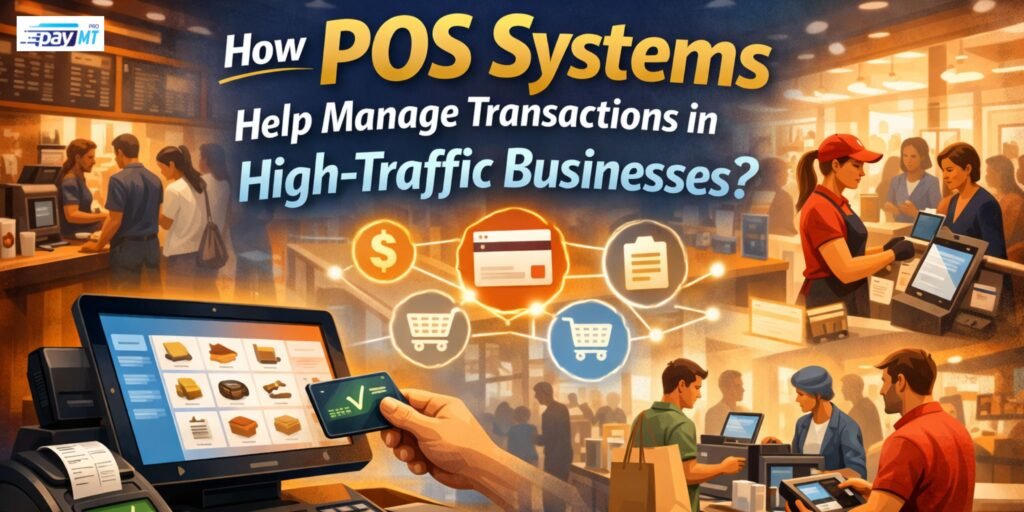
Lines wrapped around your store. Customers checking their watches. Registers freezing at the worst possible moment. If you run a restaurant, retail shop, or any business that gets slammed during peak hours, you know that feeling when everything starts falling apart.
Your payment system either keeps up with the rush or becomes the reason customers walk out. A slow register costs you real money every single day. But a good POS system does more than just speed things up. It prevents mistakes, tracks inventory automatically, and keeps your whole team working together even when chaos hits.
What High-Traffic Really Means?
High-traffic looks different depending on what you sell, but the pressure feels the same everywhere.
Coffee shops deal with morning madness. Between 7am and 9am, you might serve 300 people. That’s more than two customers every minute for two straight hours. If each transaction takes more than 30 seconds, your line grows faster than you can shrink it.
Retail stores face weekend crowds and holiday insanity. Black Friday brings ten times your normal traffic. Your system either handles it or crashes when you need it most.
Restaurants have dinner rushes where every table needs to flip twice in three hours. Fast casual places need to move lunch crowds through in minutes, not a relaxed pace.
Food trucks at festivals process more sales in four hours than they normally see all week. That spike tests every part of your setup.
The common problem across all these businesses is simple. Volume that punishes slow systems and human mistakes.
Speed Changes Everything
Every second counts when people are waiting. Old registers take 60 to 90 seconds per transaction. You have to find the item, type it in, calculate the total, process payment, and make change.
Modern POS systems cut that time to 15 to 30 seconds. That difference seems small until you multiply it across hundreds of transactions.
Going from 60 seconds to 20 seconds per sale means you serve three times as many customers in the same hour. A coffee shop processing 20 customers per hour jumps to 60 customers per hour. That’s real money in your pocket.
Touch screens beat typing every time. Your staff taps the item instead of searching for codes. Popular items sit right on the home screen. One tap and it’s added to the order.
Regular customers get even faster service. Staff pulls up their usual order with one button. The customer pays and leaves. No menu reading or explaining what they want.
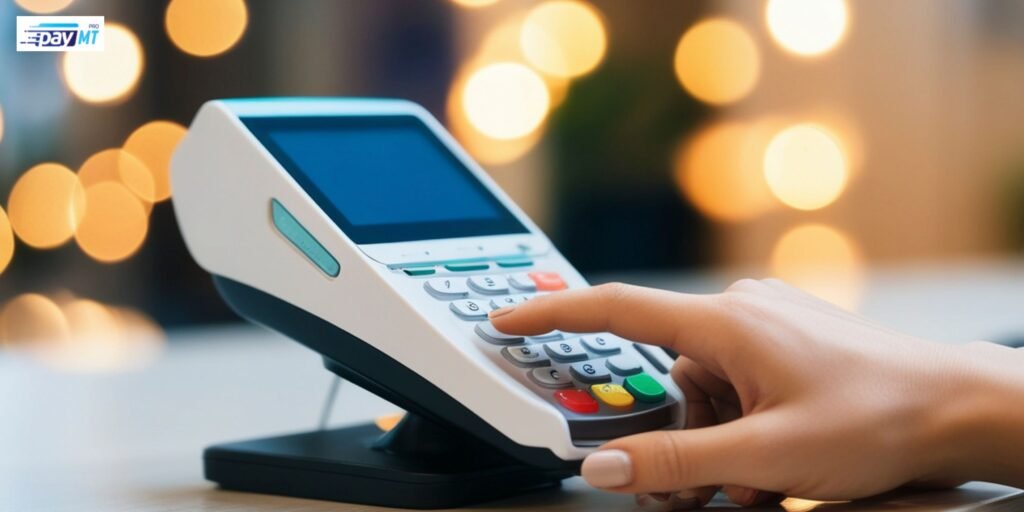
Payment processing happens in seconds regardless of how people pay. Tap payments take two seconds. Chip cards finish in five seconds or less. Even swiped cards move faster than old machines.
Running Multiple Registers That Actually Work Together
One register can’t handle serious volume. You need three, four, maybe five terminals running at once during your busiest times.
Old systems run each register separately. Customer orders at register one, decides to pay at register two, and suddenly the order disappears. Your staff has to enter everything again while the customer gets annoyed.
Cloud POS systems sync everything instantly. All registers see the same inventory numbers. Orders update across every terminal immediately. A customer can start their order anywhere and finish it anywhere else without problems.
This matters more than you think. Sarah runs a busy lunch spot downtown with four registers. Her old system made each one independent. Staff constantly dealt with confusion about what was in stock and which orders belonged where. After switching to a cloud system, transactions move 40% faster and mistakes dropped by half. All four registers work like one brain instead of four separate ones.
Inventory That Updates Itself
Picture this nightmare. Your system says you have 20 chicken sandwiches available. You sell 25 before anyone notices you’re out. Five customers just wasted their time in line.
Manual inventory can’t keep up when you’re slammed. Staff are too busy ringing up orders to update stock counts. Mistakes pile up fast. You run out of bestsellers or tell customers you’re out when you actually have plenty in back.
Good POS systems track every item automatically. Customer buys a sandwich, the count drops by one instantly. Every register sees the new number right away. Your kitchen staff can see what’s running low. You get alerts before popular items sell out completely.
This protects your money in two ways. Running out of bestsellers loses sales you could have made. Buying too much of slow items wastes money when they expire or sit taking up space.
Fewer Mistakes During the Rush
Pressure creates errors. Staff mishear orders in noisy crowds. They hit wrong buttons when rushing. They mess up change calculations. Each mistake takes time to fix and frustrates everyone involved.
Common Problems
Wrong prices get entered when staff type manually. Someone hits $15.99 instead of $51.99. You lose money or have to track down the customer.
Items get missed on orders. During a rush, the side dish or drink gets forgotten. Customer complains at pickup. Kitchen remakes it. Time and money wasted.
Change calculations go wrong. Math errors happen more when things get crazy. Customers get shortchanged or you give back too much.
How POS Systems Fix This
Prices load automatically from your database. No typing means no typos. The system knows exactly what everything costs including tax.
Order screens show the complete order clearly. Staff can see everything before charging the customer. Much harder to miss items when they’re displayed instead of scribbled on paper.
Change gets calculated automatically. Customer pays with a $20 bill, system tells your staff exactly what to give back. Zero math required during the chaos.
Special requests go straight into the system with buttons. No trying to remember verbal instructions or reading messy handwriting. Kitchen sees exactly what the customer wants.

Handling Different Payment Types Without Slowdowns
Customers expect options for how they pay. But juggling multiple payment types manually during rushes gets messy fast.
Modern POS systems handle everything through one device. Credit cards, debit cards, mobile payments, tap to pay, gift cards, loyalty points, and store credit all work the same way. No switching between different machines or systems.
Split payments become easy. Four friends want to divide a bill evenly. The system does the math and processes each card in sequence. Everything balances correctly automatically.
Gift cards and loyalty programs integrate right in. The system applies discounts, tracks points, and handles store credit without your staff doing calculations or looking anything up.
Every payment type moves at similar speed. Cash, card, or phone all finish quickly. Your line doesn’t slow down based on how people decide to pay.
Getting Orders to the Kitchen Correctly
Restaurants and cafes face a specific problem. Your front counter might be fast, but if orders don’t reach the kitchen right, the whole thing fails.
Paper tickets get lost during rushes. Small pieces of paper disappear, get wet, or stick together. Orders vanish. Food sits getting cold while staff searches for missing tickets. Customers wait forever wondering where their order went.
Kitchen Display Systems connect to your POS and show orders on screens. Each order appears the moment staff enters it. No tickets to lose. Kitchen can’t misread anything. They tap orders as they finish them. The system tracks timing automatically.
Mike runs Rico’s Tacos and had constant problems with lunch rushes. Paper tickets got lost or made wrong all the time. After installing a POS with kitchen screens, order accuracy jumped from 82% to 97%. Average time from order to pickup dropped from 18 minutes to 11 minutes. Customer complaints fell by more than half.
Priority features help during slams. The system highlights rush orders or shows which ones have been waiting longest. Kitchen staff work smart instead of random.
Managing Your Team
You need more people working during rushes. But coordinating multiple staff members without the right tools creates problems.
Modern POS systems give each employee their own login. Every transaction gets tracked to a specific person. Management knows exactly who rang up what and when.
This accountability naturally reduces theft and improves accuracy. Employees know the system records everything. They’re more careful and less likely to give friends unauthorized discounts.
Permission levels control what different people can do. New hires get basic access. Managers can process returns and void transactions. Owners see everything including all the backend reports.
Time tracking works through the same system. Staff clock in and out right there. You know exactly who worked for scheduling and payroll.
Reports That Help You Get Better
Data from busy periods shows what’s working and what’s failing. But only if you can actually access it easily.
Modern POS systems create reports automatically. How many transactions per hour? Which items sell most at lunch versus dinner? What’s your average sale during different times?
This information helps you make smarter decisions. Maybe Tuesday afternoons are busier than you thought. You adjust staffing. Reports show one sandwich outsells everything at lunch. You make sure to have enough ingredients ready.
Trends over time reveal patterns. Holidays, weather, and local events affect your traffic. Historical data helps you prepare better next time.
When Internet Dies
Cloud systems sound great until your internet drops during the dinner rush. This scares business owners considering modern POS systems.
Quality systems include offline mode. They keep working even when the internet cuts out. Transactions get saved locally and sync back up once connection returns. Your business doesn’t stop because of internet problems.
Not all offline modes work the same though. Some systems lose major functionality. Others work almost normally. Ask about this before buying any system.
Picking the Right System
Not every POS handles high traffic well. Some work fine for slow shops but choke when things get busy.
Questions to Ask
How many transactions can it process per minute with multiple terminals running? Test this for real. Some systems claim speed but lag with several users.
Does it slow down with large inventory? A system might work great with 100 products but crawl with 10,000 items in the database.
How many terminals can connect at once? Some limit how many devices work simultaneously. Make sure it scales to your actual needs.
What works during internet outages? Know exactly what functions continue offline and what doesn’t.
Can it connect with your other software? Your accounting program, online ordering, delivery apps, and inventory management need to talk to your POS.
Switching Without Disrupting Business
Changing POS systems during the busy season is risky. But keeping an outdated system costs money every single day.
Start during your slowest period. Install and train when traffic is light. Give staff time to learn without pressure from crowds.
Run both systems briefly if you can. Keep your old setup as backup while staff learns the new one. This safety net reduces stress.
Train your best employees first. They become trainers for everyone else. Knowledge spreads faster than one big training session.
Have tech support ready during your first busy period with the new system. When the rush hits, immediate help prevents disasters.
Making It Work
High-traffic businesses can’t afford slow payment systems. Every delayed transaction is money walking out your door. Every mistake costs time fixing instead of serving the next customer.
Modern POS systems handle volume that crushes traditional registers. They speed up transactions, cut down errors, coordinate your team, and give you data to improve operations.
The cost pays for itself fast when you serve more customers in less time with fewer mistakes. Your staff works better. Your customers leave happier. Your profits go up.